
Key facts
- Brand
- Sharp
- Model
- LC-42P7H
- Category
- Television
- Industry
- Appliances
- Documents
- 2
- Languages
- EN · ZH
- Last added
- 2011-09-27
Start here
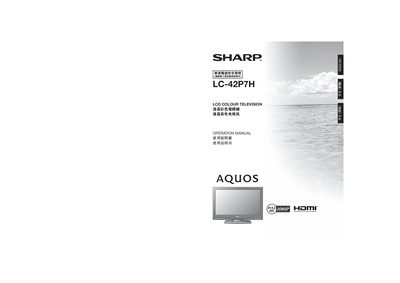
Sharp LC-42P7H Television User Manual
This manual begins with important safety precautions, a list of supplied accessories, and preparation steps such as inserting batteries into the remote control. It also covers how to attach or detach the stand safely.
The guide then explains basic connections (antenna, AC outlet, external devices), TV settings, menu operation, advanced picture and sound adjustments, and includes a troubleshooting section and specifications.
All Sharp LC-42P7H documents by type
Day-to-day operation, settings and troubleshooting. Start here if the product is already set up.
Questions answered in these manuals
How do I insert batteries into the remote control unit?
Open the battery cover, insert two AAA size batteries, and close the battery cover.
How do I attach the stand to the TV?
Unplug the AC cord, align the stand, insert the four long screws into the rear holes, and tighten them.
How can I clear a forgotten password on the TV?
Press MENU, then select the Settings menu, choose the appropriate option, and simultaneously hold the CH‑R and VOL‑ keys on the TV until a message appears on the screen.
What accessories are included with the LC-42P7H TV?
The package includes a remote control, two AAA batteries, an AC power cord, AC power cord clips, a wire tie, the operation manual, and the stand components.