
Key facts
- Brand
- Rosemount
- Model
- 751
- Category
- Other
- Industry
- Industrial
- Documents
- 2
- Languages
- EN · ZH
- Last added
- 2026-11-16
Start here
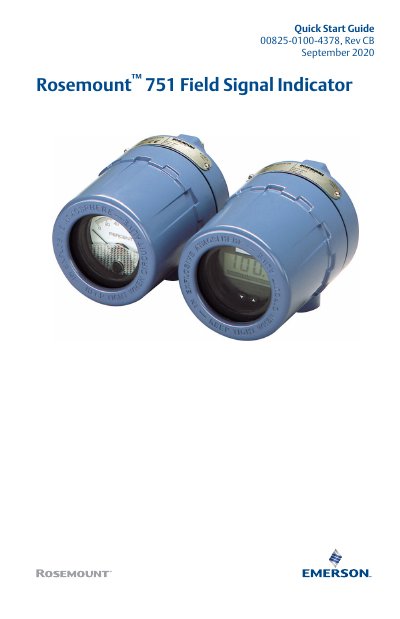
Rosemount 751 Field Signal Indicator Quick Start Guide
This quick start guide (document 00825-0100-4378, Rev CB, September 2020) gives basic guidelines for the Rosemount 751 Field Signal Indicator. The installation section shows the exploded views of the housing and meter, lists the parts, and provides series and parallel wiring diagrams for connecting the indicator with Rosemount transmitters on a 4–20 mA dc loop. The configuration section explains how to remove the cover, position the decimal point, select the meter function, store the information, set the display values for the 4 mA and 20 mA signals, and replace the cover using the two configuration buttons.
The guide does not provide instructions for configuration, diagnostics, maintenance, service, troubleshooting, or Explosionproof, Flameproof, or intrinsically safe (I.S.) installations; it refers to the Rosemount 751 Reference Manual for more instruction. It also contains safety warnings about explosions and electrical shock, and includes Product Certification, Declaration of Conformity, and China RoHS sections.
Rosemount 751 specifications
| Input signal | 4–20 mA dc |
|---|---|
| Bar graph | 20-segment, factory calibrated |
| LCD display time-out | Approximately 16 seconds |
| 4 mA display setting range | –999 to 1000 |
| 20 mA display setting range | –999 to 9999 |
| Mounting | U-bolt for 2-in. pipe |
| Optional conduit bushing | ¾- to ½-in. conduit reducing bushing |
Source: Rosemount 751 Field Signal Indicator Quick Start Guide
All Rosemount 751 documents by type
The shortest path to a working setup, usually only a few pages.
Day-to-day operation, settings and troubleshooting. Start here if the product is already set up.
Questions answered in these manuals
How should the Rosemount 751 be wired when the 4–20 mA transmitter has no test terminal?
It is recommended that the indicator be wired in a series configuration when the transmitter does not contain a test terminal.
From: Rosemount 751 Field Signal Indicator Quick Start Guide
How do I store the configuration information?
Press both configuration buttons simultaneously for two seconds; the meter displays “- -” for approximately 7.5 seconds while the information is stored.
From: Rosemount 751 Field Signal Indicator Quick Start Guide