
Key facts
- Brand
- Panasonic
- Model
- KX-TGA575
- Category
- Telephone
- Industry
- Electronics
- Documents
- 3
- Languages
- ES · EN
- Last added
- 2012-08-06
Start here
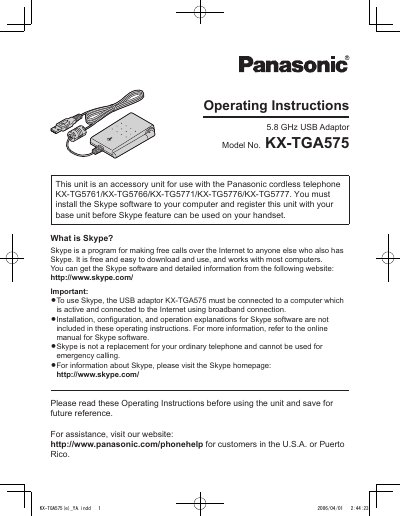
Panasonic KX-TGA575 5.8 GHz USB Adaptor Operating Instructions
The Panasonic KX-TGA575 is a 5.8 GHz USB Adaptor designed as an accessory unit for specific Panasonic cordless telephone models (KX-TG5761, KX-TG5766, KX-TG5771, KX-TG5776, and KX-TG5777). When connected to a computer running Skype software and the included USB Adaptor Utility, it allows users to make and answer internet telephone calls using their cordless handset. The unit must be registered with the base unit before the Skype feature can be utilized.
Read onlinePanasonic KX-TGA575 specifications
| Frequency | 5.76 GHz - 5.84 GHz |
|---|---|
| Dimensions | Approx. 24mm x 71mm x 111mm |
| Weight | Approx. 120 g |
| Power Output | 200 mW (max.) |
| Power Supply | 5V DC (USB power) |
| USB Interface | 1.1 |
All Panasonic KX-TGA575 documents by type
Day-to-day operation, settings and troubleshooting. Start here if the product is already set up.
Questions answered in these manuals
What phones is the KX-TGA575 compatible with?
It is an accessory for the Panasonic KX-TG5761, KX-TG5766, KX-TG5771, KX-TG5776, and KX-TG5777 cordless phones.
What are the system requirements for the USB Adaptor Tool?
The system requires Windows 2000 or XP, a 1 GHz Pentium processor, 256 MB RAM, and a USB 1.1 interface.
Which Panasonic cordless telephone models are compatible with this adaptor?
This unit is an accessory for use with the Panasonic cordless telephone KX-TG5761/KX-TG5766/KX-TG5771/KX-TG5776/KX-TG5777.
From: Panasonic KX-TGA575 5.8 GHz USB Adaptor Operating Instructions
Is the Skype software included with this unit?
No, you must install the Skype software to your computer and register this unit before the Skype feature can be used.
From: Panasonic KX-TGA575 5.8 GHz USB Adaptor Operating Instructions
What is the minimum Skype version required?
Skype 2.0 or later is required to use this unit.
How do I confirm the USB adaptor is working correctly?
Click on the USB Adaptor Tool icon in the system tray to start a configuration check.