
Describes the installation and setup of the OHAUS Scout RS232 interface
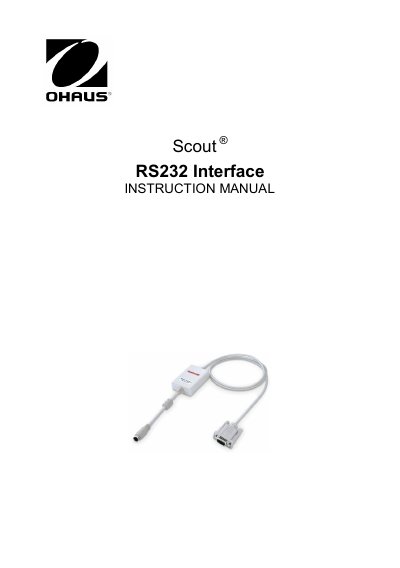
The OHAUS RS232 Interface Kit is designed for use with OHAUS Scout STX, SPX, SKX, and SJX series products. It installs into the mini DIN port located at the rear of the balance to enable communication with computers and printers. The interface allows for various print settings, including baud rates, parity, and handshake protocols, which can be configured via the balance menu.
| Compatible Models | Scout STX, SPX, SKX and SJX series |
|---|---|
| Default Baud Rate | 9600 baud |
| Connector Type | 9 pin Sub-D female |
| Active Pins | Pin 2 = TXD, Pin 3 = RXD, Pin 5 = Ground |
The interface is preset to 9600 baud, 8 bit, no parity, and no handshake.
Install the module on the mini DIN port at the rear of the balance while the device is powered off, ensuring the triangle mark is at the bottom.
The balance will show [r.S.2.3.2] during the power sequence.