
e51 user guide
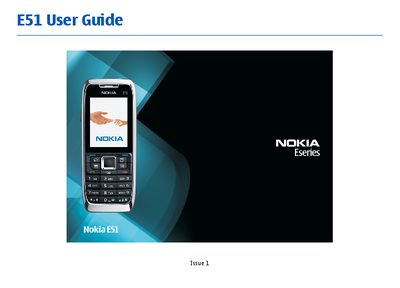
This guide introduces the Nokia E51, covering safety information, hardware overview, SIM card insertion, battery charging, and the layout of keys and parts. It walks the user through the first start‑up, the settings wizard and basic personalization such as themes and profiles.
The manual then details everyday functions: making calls, managing contacts, sending text, email, multimedia messages, using the web browser, Bluetooth, WLAN, GPS and media playback. It also explains advanced settings, security options, data synchronization, software updates and troubleshooting tips.
| Model number | E51-1 |
|---|
Insert the SIM card as shown in the "Insert the SIM card and battery" section of the guide.
Use the WLAN wizard to configure an internet access point and adjust WLAN security settings.
Connect the charger to the device as described in the "Charge the battery" chapter.