
Key facts
- Brand
- Newland
- Model
- NLS-OY20
- Category
- Other Electronics
- Industry
- Electronics
- Documents
- 2
- Languages
- ZH
- Last added
- 2026-10-22
Start here
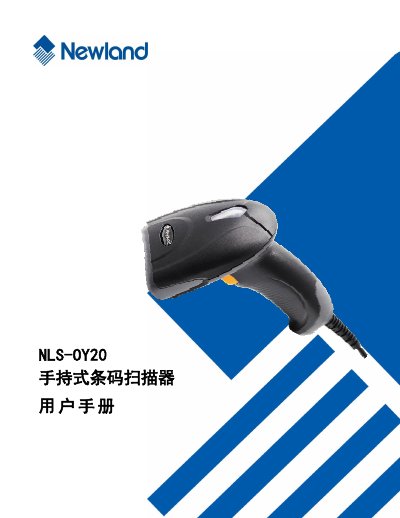
Newland NLS-OY20 Handheld Barcode Scanner User Manual
The Newland NLS-OY20 is a handheld barcode scanner utilizing advanced chip-based image recognition technology. It is designed to read a wide range of mainstream 1D barcodes and standard 2D barcodes, including PDF417, QR Code, and Data Matrix. The device features a fully integrated design suitable for embedding into various applications and can read codes on paper, plastic cards, LCDs, and other media. This manual is written in Chinese.
Read onlineAll Newland NLS-OY20 documents by type
Day-to-day operation, settings and troubleshooting. Start here if the product is already set up.
Questions answered in these manuals
How do I save changes made to the scanner settings?
You must scan the save code after reading the data code to save the settings.
What is the Newland NLS-OY20?
It is a handheld barcode scanner that uses intelligent image recognition technology to read one-dimensional and standard two-dimensional barcodes.
What types of barcodes can the NLS-OY20-RF scanner read?
The scanner can read various mainstream one-dimensional barcodes, PDF417, QRCode (QR1, QR2, MicroQR), and DataMatrix versions, as well as barcodes displayed on LCD screens or mobile phone screens.
From: Newland NLS-OY20-RF Handheld Barcode Scanner User Manual
How does the scanner turn on and pair with a host?
To turn on and pair, connect the scanner's wireless receiver to the host and press the trigger.
From: Newland NLS-OY20-RF Handheld Barcode Scanner User Manual