
Key facts
- Brand
- Newland
- Model
- NLS-HR32
- Category
- Other
- Industry
- Industrial
- Documents
- 2
- Languages
- ZH
- Last added
- 2026-09-29
Start here
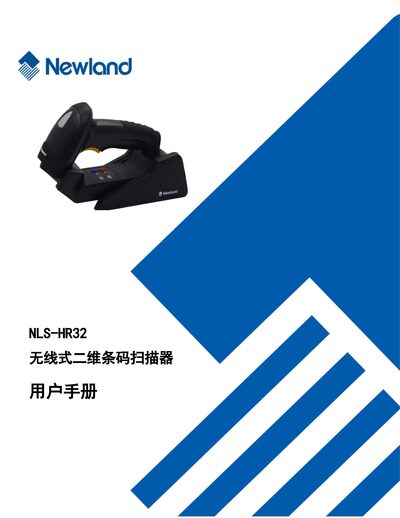
Newland NLS-HR32 Wireless 2D Barcode Scanner User Manual
The NLS‑HR32 is a wireless 2‑dimensional barcode scanner designed for flexible data capture. This manual provides an overview of the device, its main features, and the contents of the package.
It details system configuration, communication settings (USB, RS‑232, PS/2, wireless), LED and sound options, reading modes, barcode parameter setup, and troubleshooting procedures. Users can also find instructions for maintenance, factory reset, and firmware information. This manual is written in Chinese.
All Newland NLS-HR32 documents by type
Day-to-day operation, settings and troubleshooting. Start here if the product is already set up.
Questions answered in these manuals
How can I adjust the LED indicator settings?
LED settings are configured in the "LED灯设置" section of the manual.
From: Newland NLS-HR32 Wireless 2D Barcode Scanner User Manual
Where do I find the USB communication configuration options?
USB communication options are described in the "USB通讯设置" chapter.
From: Newland NLS-HR32 Wireless 2D Barcode Scanner User Manual
How do I configure RS‑232 communication for the scanner?
RS‑232 communication settings are described in Chapter 4 of the manual.
From: Newland NLS-HR32 Plus Wired 2D Barcode Scanner User Manual
How can I set up the USB connection for the scanner?
USB communication settings are covered in Chapter 5 of the manual.
From: Newland NLS-HR32 Plus Wired 2D Barcode Scanner User Manual