
Key facts
- Brand
- M-Audio
- Model
- Revolution 7.1
- Category
- Other Computer Accessories
- Documents
- 2
- Languages
- EN
- Last added
- 2012-07-04
Start here
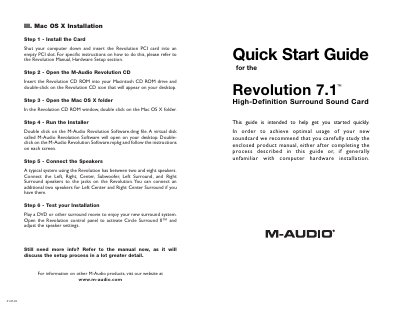
M-Audio Revolution 7.1 Quick Start Guide
This document serves as a quick start guide for the M-Audio Revolution 7.1 High-Definition Surround Sound Card. It provides step-by-step instructions for installing the PCI card into a computer running Windows, Mac OS X, or Mac OS 9.2.2.
The guide details how to install drivers and software using the included CD-ROM. It also covers connecting speakers (Left, Right, Center, Subwoofer, Surrounds) and testing the installation by playing surround sound content.
M-Audio Revolution 7.1 specifications
| Audio Playback Resolution | 24-bit/192kHz |
|---|---|
| Audio Recording Resolution | 24-bit/96kHz |
| Signal-to-Noise Ratio | 107 dB |
| Total Harmonic Distortion + Noise | <0.00235% |
| Warranty Period | One-year |
All M-Audio Revolution 7.1 documents by type
Day-to-day operation, settings and troubleshooting. Start here if the product is already set up.
The shortest path to a working setup, usually only a few pages.
Questions answered in these manuals
What are the minimum system requirements for stereo operation on Windows?
The minimum requirements are an Intel Celeron 350MHz or AMD K6ll 500MHz processor, 128MB RAM, a CD-ROM drive, and Windows Me, 2000, or XP.
Does the Revolution 7.1 support digital output formats?
Yes, it supports 24-bit Linear PCM, 16-bit Linear PCM, 16-bit AC-3, Dolby Pro Logic, or DTS over the coaxial connector.
How many speakers can a typical system using the Revolution connect?
A typical system can connect between two and eight speakers.
What software is required for Windows 2000 or Windows Me users before installing the software?
Users must have Direct X 8.1 installed in their system before installing the Revolution software.