
Key facts
- Brand
- M-Audio
- Model
- MidAir 25
- Industry
- Appliances
- Documents
- 2
- Languages
- EN
- Last added
- 2012-07-04
Start here
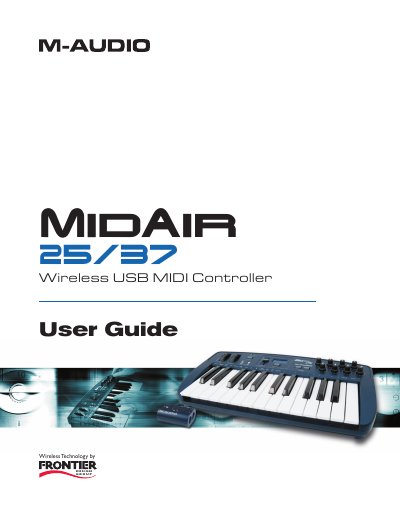
M-Audio MidAir 25/37 Wireless USB MIDI Controller User Guide
The M-Audio MidAir 25/37 is a portable, battery-powered wireless MIDI controller featuring either 25 or 37 full-sized velocity-sensitive keys. It utilizes proprietary 2.4GHz technology to establish a one-way link with a receiver connected via USB to a computer, allowing for untethered performance and studio work without cable clutter. The device includes assignable knobs and sliders (on the 37 model) for controlling various MIDI parameters.
Read onlineM-Audio MidAir 25 specifications
| Wireless Link Distance | up to 10 meters (30 feet) |
|---|---|
| Frequency Band | 2.4GHz |
| Power Source (Keyboard) | six AA batteries |
| USB Connectivity | Class-compliant |
Source: M-Audio MidAir 25/37 Wireless USB MIDI Controller User Guide
All M-Audio MidAir 25 documents by type
Day-to-day operation, settings and troubleshooting. Start here if the product is already set up.
Questions answered in these manuals
Do I need to install drivers to use the MidAir 25/37 with Windows XP or Mac OS X?
No drivers are required for basic use, but they are recommended if you want to use the controller with more than one application at the same time, use long SysEx commands, or simultaneously use other class-compliant USB devices with audio capabilities.
What happens if the keyboard and receiver do not automatically connect when powered on for the first time?
The Wireless Connection Status LED on each unit will flash and eventually turn off, and you must press the wireless connect buttons on both the receiver and the keyboard to establish a link.
Do I need to install drivers for the MidAir receiver?
No, the receiver is class-compliant and requires no drivers on Windows XP or Mac OS X.
From: M-Audio MidAir 25/37 Wireless USB MIDI Controller User Guide
Can the MidAir keyboard be used without a computer?
Yes, it supports standalone operation and does not require a computer to function.
From: M-Audio MidAir 25/37 Wireless USB MIDI Controller User Guide