
Key facts
- Brand
- M-Audio
- Model
- KeyRig 49
- Category
- Other Computer Accessories
- Industry
- Computers
- Documents
- 2
- Languages
- EN
- Last added
- 2012-07-04
Start here
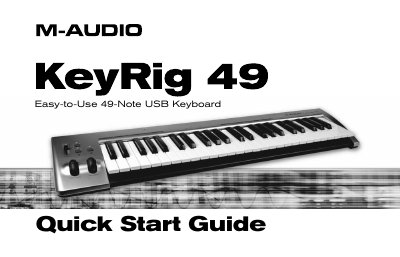
M-Audio KeyRig 49 Quick Start Guide
This Quick Start Guide covers the setup for the M-Audio KeyRig 49, a 49-key full-size, velocity-sensitive USB keyboard designed for integration with Windows XP or Mac OS X. The document details the keyboard's features, including pitch and modulation wheels, volume sliders, and octave buttons, noting that no driver installation is required for basic operation on Mac OS X. It also explains how to connect the device via USB and power it on.
Read onlineM-Audio KeyRig 49 specifications
| Keyboard Size | 49-key |
|---|---|
| Power Source | Bus-powered through USB |
| Compatible OS | Windows XP or Mac OS X |
| Included Software | Ableton Live Lite and Key Rig |
All M-Audio KeyRig 49 documents by type
Day-to-day operation, settings and troubleshooting. Start here if the product is already set up.
The shortest path to a working setup, usually only a few pages.
Questions answered in these manuals
What computer operating systems are supported by this keyboard?
This keyboard works with Windows XP (SP2) or higher and Mac OS X versions ranging from OSX 10.3.9 to OSX 10.4.2 or greater.
How much RAM is required for Windows users?
Users must have at least 256MB of RAM when running the keyboard on a Windows system.
What is required for Key Rig to operate in standalone mode?
An ASIO-compatible sound card is required for the Key Rig virtual instrument software to operate in standalone mode.
How do I certify my copy of Key Rig software?
You must enter the certification code found on the front of the Quick Start Guide into the software and download the personal certification file.