
This is a user's manual for HP Scanjet 5590 scanner
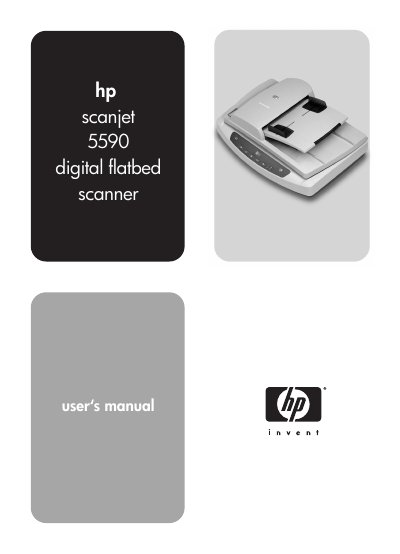
This manual describes how to operate the HP ScanJet 5590 flatbed scanner, including installing the HP Photo & Imaging software, using front‑panel buttons, and scanning documents, pictures, slides, and negatives. It also covers scanning from the automatic document feeder (ADF) and configuring settings such as preview, power‑save and OCR.
Additional sections provide guidance on caring for the scanner glass, transparent materials adapter (TMA), and ADF, as well as troubleshooting tips, regulatory information and detailed product specifications.