
This file introduces multiple products of a brand, mainly their features and advantages.
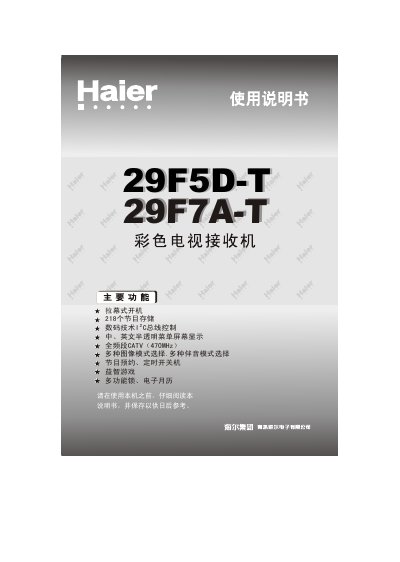
This manual guides Haier 29F5D-T and 29F7A-T flat‑panel televisions through installation, basic operation, and advanced settings. It includes safety precautions, quick‑start steps, and detailed explanations of the controller panels for each model.
The document also covers connection of external AV devices, remote‑control battery replacement, automatic channel search, and a troubleshooting guide for common image and audio issues. This manual is written in Chinese.
| Display type | Flat‑panel CRT |
|---|---|
| Color system | PAL, NTSC |
| Power consumption | 140 W |
| Input voltage range | 150 V – 250 V |
| Dimensions (29F5D‑T) | 800 mm × 500 mm × 570 mm (L×W×H) |
| Dimensions (29F7A‑T) | 827 mm × 505 mm × 582 mm (L×W×H) |
| Weight (each model) | 47 kg |
| Audio output power | 5 W + 5 W |
Open the battery compartment, insert two size‑7 (AA) batteries with the correct polarity (+/‑) as marked, then close the cover.
Insert the antenna plug into the antenna terminal on the back of the television, then connect the power cord to the AC outlet.
Open the menu, select the ‘Automatic Search’ option, and start the search. The TV will scan all channels and store the best tuning positions automatically.
Turn off and unplug the TV, then wipe the screen and cabinet with a soft, dry cloth. Do not use gasoline, benzene, or other chemicals.