
29F5D-TA is a 2.5-inch SSD solid state drive launched by Asus, which uses a SATA 6Gb/s interface, with a maximum read speed of 560MB/s, a maximum write speed of 510MB/s, and a capacity of 256GB, 512GB and 1TB.
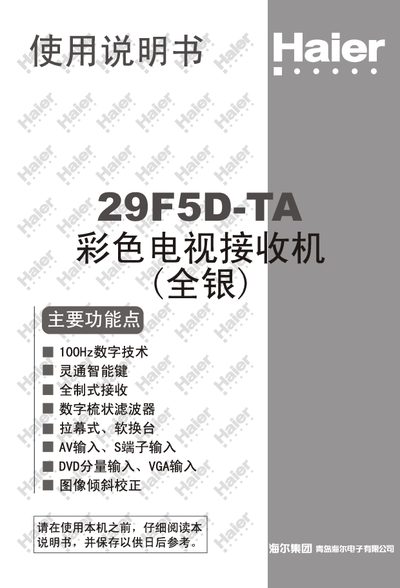
The Haier 29F5D-TA is a 29‑inch color television with a 100 Hz digital panel, supporting multiple broadcast standards and offering various audio‑video inputs. The manual explains how to connect antennas, AV, S‑Video, DVD and VGA sources, and describes the functions of the front and rear control panels as well as the remote control.
Safety precautions, cleaning instructions, and basic troubleshooting steps are included to help users maintain reliable operation. Technical specifications such as power consumption, input voltage, and audio output power are listed for reference. This manual is written in Chinese.
| Screen size | 29" |
|---|---|
| Refresh rate | 100 Hz |
| Supported color systems | PAL 50/60, NTSC M, NTSC 4.43 MHz, SECAM, PAL M, NTSC N |
| Input voltage | AC 220 V 50 Hz |
| Power consumption | 180 W |
| Video input impedance | 75 Ω |
| Audio input level | 400 mV rms (40 kΩ) |
| Audio output power | 5 W + 5 W + 10 W (bass) |
Connect the antenna cable to the TV’s antenna input terminal, ensuring the connector matches the 75 Ω impedance for optimal signal reception.
The TV consumes 180 W of power during normal operation.
Unplug the TV before cleaning, avoid using chemicals such as gasoline or alcohol, and do not spray liquids directly onto the screen.
Turn off the TV, disconnect the power source, wait a few minutes, then reconnect and power on the TV to restore default settings.