
Key facts
Start here
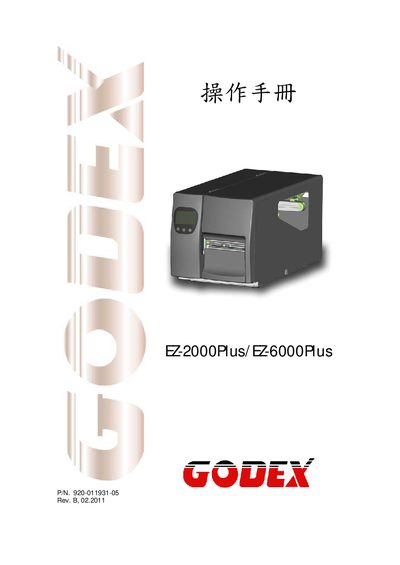
Godex EZ-2000Plus / EZ-6000Plus User Manual
This manual begins with safety and regulatory information, including FCC Class A compliance, European EMC standards, and detailed safety instructions such as keeping the unit away from humidity, disconnecting power before service, and using only qualified personnel. It also covers power requirements, operating temperature ranges, and environmental limits.
The later sections describe the printer’s language support (Godex Eltron®), available barcode symbologies (both 1‑D and 2‑D), interface options (RS‑232, USB, Ethernet), media handling, and basic operation commands. Technical specifications such as voltage, temperature, and supported fonts are listed for quick reference.
GODEK EZ-6000PLUS specifications
| Power Supply | 100‑240 V AC, 50‑60 Hz |
|---|---|
| Operating Temperature | 41 °F to 104 °F (5 °C to 40 °C) |
| Storage Temperature | -4 °F to 122 °F (-20 °C to 50 °C) |
| Interface | Serial port RS‑232 (DB‑9), USB, Ethernet |
| Supported 2‑D Barcodes | PDF417, DataMatrix, MaxiCode, QR Code, Micro QR |
All GODEK EZ-6000PLUS documents by type
Day-to-day operation, settings and troubleshooting. Start here if the product is already set up.
Questions answered in these manuals
What are the power requirements for the printer?
The printer operates on an AC input of 100 V to 240 V at 50‑60 Hz.
What interface options are available for connecting the printer to a computer?
The device provides a RS‑232 serial port (DB‑9), a USB interface, and an Ethernet network port.
What are the power requirements for the EZ-2000Plus/EZ-6000Plus printers?
The printers operate from a universal AC input of 100‑240 V at 50‑60 Hz.