
Key facts
- Brand
- GODEK
- Model
- EZ-4TTP
- Documents
- 2
- Languages
- EN
- Last added
- 2011-11-03
Start here
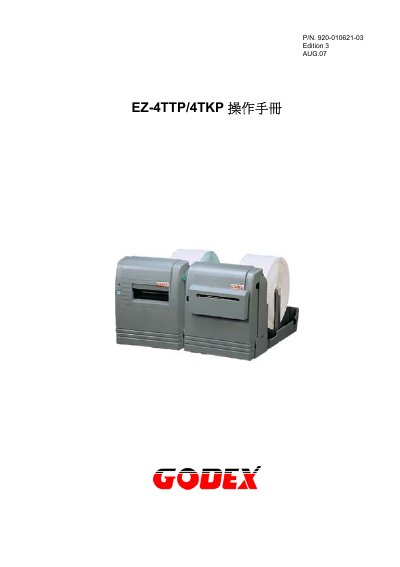
GODEX EZ-4TTP/4TKP User Manual
User Manual 18 pages · EN
This manual provides setup, operation, and maintenance instructions for the GODEX EZ-4TTP/4TKP label printers. It covers communication protocols, print specifications, firmware updates, and troubleshooting. The device supports various barcode symbologies and print resolutions up to 300 dpi. It operates on AC 110V~240V or DC 24V, with environmental ratings for temperature and humidity.
Read onlineGODEK EZ-4TTP specifications
| Print Resolution | 203 dpi & 300 dpi |
|---|---|
| Print Width | 1" ~ 4" (25mm~104mm) |
| Power Supply | AC 110V~240V, DC 24V 3A |
| Operating Temperature | 40°F to 104°F (5°C to 40°C) |
| Storage Temperature | -40°F to 122°F (-20°C to 50°C) |
| Humidity | 30%-85% |
| Memory | 1MB Flash, 512K SRAM |
Source: GODEX EZ-4TTP/4TKP User Manual
All GODEK EZ-4TTP documents by type
User Manual 2
Day-to-day operation, settings and troubleshooting. Start here if the product is already set up.
Questions answered in these manuals
What communication interfaces does the EZ-4TTP/4TKP support?
It supports RS-232 and Centronics interfaces.
What barcode symbologies are supported?
It supports Code 39, Code 93, Code 128 (A,B,C), UCC 128, UPC A/E, 2 of 5, EAN 8/13, CODABAR, POSTNET, EAN 128, DUN 1422, DataMatrix, QR Code, and PDF417.