
Key facts
- Brand
- GODEK
- Model
- EZ-1000Plus
- Category
- Printer
- Industry
- Industrial
- Documents
- 2
- Languages
- EN
- Last added
- 2011-12-11
Start here
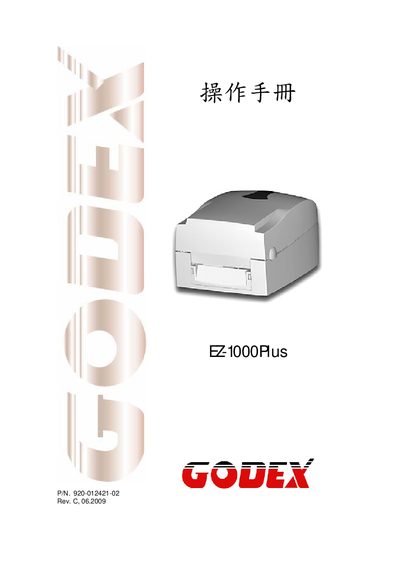
EZ-1000Plus User Manual
This manual covers essential safety instructions, including keeping the device away from humidity, checking power voltage, and ensuring only qualified personnel perform service work. It also details the components supplied with the printer and outlines the installation of consumables such as ribbons and label paper.
The document includes full product specifications, communication port details, configuration settings, maintenance tasks, troubleshooting tips, and regulatory compliance information for the EZ-1000Plus barcode printer.
GODEK EZ-1000Plus specifications
| Print Resolution | 203 dpi (8 dot/mm) or 300 dpi (12 dot/mm) |
|---|---|
| Print Speed | 4 IPS (100 mm/s) or 6 IPS (150 mm/s) |
| Memory | 4 MB Flash (2 MB user) / 8 MB SDRAM |
| Power Supply | 100‑240 VAC, 50‑60 Hz auto‑switching |
| Operating Temperature | 5 °C to 40 °C (41 °F to 104 °F) |
| Dimensions (L×W×H) | 285 mm × 226 mm × 171 mm |
| Weight | 2.72 kg (6 lb) |
Source: EZ-1000Plus User Manual
All GODEK EZ-1000Plus documents by type
Day-to-day operation, settings and troubleshooting. Start here if the product is already set up.
Questions answered in these manuals
What safety precautions should be followed when using the EZ-1000Plus?
Keep the equipment away from humidity, verify the power voltage matches the outlet, disconnect power during thunderstorms, avoid liquid contact, and only allow qualified service personnel to open or repair the device.
From: EZ-1000Plus User Manual