
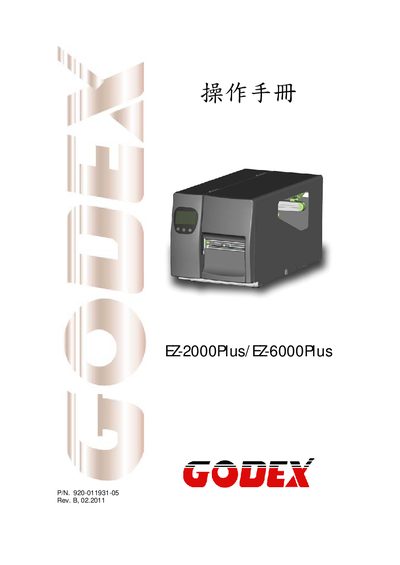
This manual covers safety instructions, FCC and EMC compliance statements, and proper handling of the EZ-2000Plus/EZ-6000Plus label printers. Users are advised to keep the equipment away from humidity, verify voltage before connecting, and only allow qualified service personnel to perform repairs.
Technical specifications such as power requirements, operating temperature, print resolution, speed, media dimensions, and supported 1‑D and 2‑D barcode symbologies are listed, along with information on printer languages, serial and USB interfaces, and media handling.
| Power input | 100‑240V AC, 50‑60Hz |
|---|---|
| Storage temperature | -4 °F to 122 °F (-20 °C to 50 °C) |
| Print resolution | 203 dpi (8 dot/mm) and 300 dpi (12 dot/mm) |
| Print speed | 6 IPS (150 mm/s) and 7 IPS (177 mm/s) |
| Media width | 104 mm (4.09 in) |
| Maximum media width | 4572 mm |
| Supported 1‑D bar codes | Code 39, Code 93, Code 128, UCC/EAN‑128, UPC A/E, 2 of 5, EAN 8/13, Codabar, Post NET, DUN 14, HIBC, MSI, Random Weight, Telepen, FIM, China Postal Code, RPS 128, GS1 DataBar |
| Supported 2‑D bar codes | PDF417, DataMatrix, MaxiCode, QR code, Micro QR code |
The printers operate from a universal AC input of 100‑240 V at 50‑60 Hz.