
Key facts
- Brand
- GODEK
- Model
- EZ-DT-4
- Documents
- 2
- Languages
- EN
- Last added
- 2011-11-03
Start here
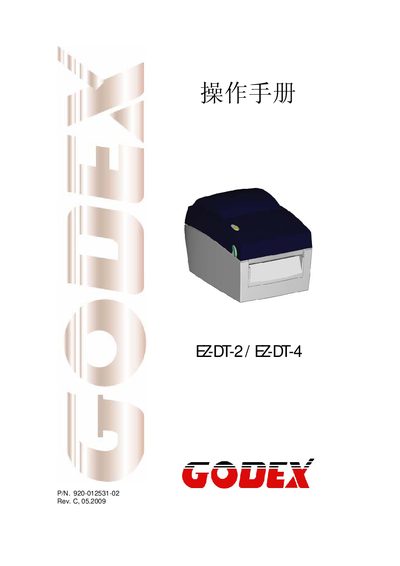
Godes EZ-DT-2/EZ-DT-4 User Manual
The Godes EZ-DT-2/EZ-DT-4 is a handheld barcode scanner. This manual provides safety instructions, power requirements, environmental limits, and detailed information on supported barcode symbologies and interface connections.
It also describes the device’s physical dimensions, operating temperature range, and how to connect the scanner via USB, RS‑232, Ethernet and parallel ports. Qualified service personnel can use the service sections for maintenance and troubleshooting.
GODEK EZ-DT-4 specifications
| Input Voltage | 100‑240 VAC, 50‑60 Hz |
|---|---|
| Operating Temperature | -20 °C to 50 °C |
| Storage Temperature | -20 °C to 50 °C |
| Relative Humidity | 30 %–85 % non‑condensing |
| USB Port | USB 2.0 Type‑B |
| Serial Port | RS‑232 (DB‑9) 9600 baud, 8‑N‑1, XON/XOFF |
All GODEK EZ-DT-4 documents by type
Day-to-day operation, settings and troubleshooting. Start here if the product is already set up.
Questions answered in these manuals
What input voltage does the EZ‑DT‑2/EZ‑DT‑4 accept?
The device can be powered from 100 V to 240 V AC at 50 Hz or 60 Hz.
What are the operating temperature limits?
The scanner operates between –20 °C and 50 °C (‑4 °F to 122 °F).
What safety precautions should be taken before connecting the equipment?
Keep the equipment away from humidity, verify that the supply voltage matches the device rating, and disconnect the equipment during voltage surges.