
Key facts
Start here
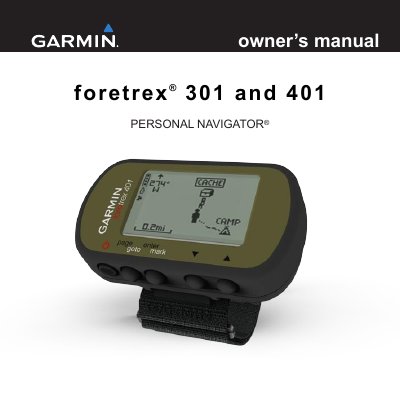
Garmin foretrex 301 and 401 User Manual
This manual provides instructions for using the Garmin foretrex 301 and 401 personal navigators. It covers installing batteries, turning the device on and off, using the backlight, navigating menus, and configuring settings. The device includes features like altimeter, barometer, and timer, with optional accessories for heart rate and cadence. The manual also explains how to pair the device, transfer data wirelessly, and maintain the unit.
Read onlineGarmin Foretrex 301 specifications
| Power Source | two AAA batteries |
|---|---|
| Battery Types | alkaline or NIMH |
| Waterproof | Yes |
| Wireless Transfer | No for 301, Yes for 401 |
Source: Garmin Foretrex 301 and 401 Personal Navigator Quick Start Manual
All Garmin Foretrex 301 documents by type
Day-to-day operation, settings and troubleshooting. Start here if the product is already set up.
Questions answered in these manuals
What batteries does the Foretrex use?
The device operates on two AAA batteries, and you should use alkaline or NIMH batteries.
From: Garmin Foretrex 301 and 401 Personal Navigator Quick Start Manual
How do I turn on the Foretrex?
Press and hold the power button to turn the Foretrex on.
From: Garmin Foretrex 301 and 401 Personal Navigator Quick Start Manual
What is the product name and type?
The product is the Foretrex 301 and 401, a personal navigator.
What are the main differences between the 301 and 401 models?
The 401 has an altimeter, barometer, electronic compass, and wireless transfer, while the 301 does not.