
Key facts
- Brand
- Garmin
- Model
- A10
- Industry
- Electronics
- Documents
- 2
- Languages
- EN
- Last added
- 2012-05-04
Start here
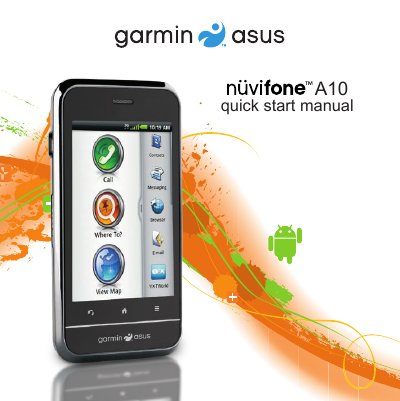
Garmin Nüvifone A10 Quick Start Guide
The guide walks you through the initial setup of the Nüvifone A10, including installing the SIM and microSD cards, inserting the battery, and charging it for the first time. It also covers mounting the device in a vehicle and connecting the power cable.
Later sections describe the device’s key functions, such as navigating the home screen, using the application tray, making calls, managing contacts, and configuring voice mail and in‑call options. Safety warnings for the lithium‑ion battery and temperature limits are also included.
Garmin A10 specifications
| Battery temperature limit | 140 °F (60 °C) |
|---|---|
| Initial charging time | At least 4 hours |
| Charging connector | Micro‑USB |
| Audio output | Audio out connector |
| Camera | Rear camera lens |
All Garmin A10 documents by type
Day-to-day operation, settings and troubleshooting. Start here if the product is already set up.
The shortest path to a working setup, usually only a few pages.
Questions answered in these manuals
How long should I charge the battery before first use?
Charge the battery for at least four hours before using the device for the first time.
What should I do if the device gets too hot while charging?
Remove it from the vehicle mount or direct sunlight and let it cool before continuing to charge.
How do I register my Garmin Nuvifone A10?
Visit www.garminasus.com and follow the on‑screen instructions to register the device.
Where can I download software updates for the Nuvifone A10?
Software updates are available at www.garminasus.com for the life of the device.