
Garmin foretrex 301 and 401 User Manual

The manual mainly introduces the features and usage methods of foretrex ® 301 and 401 products
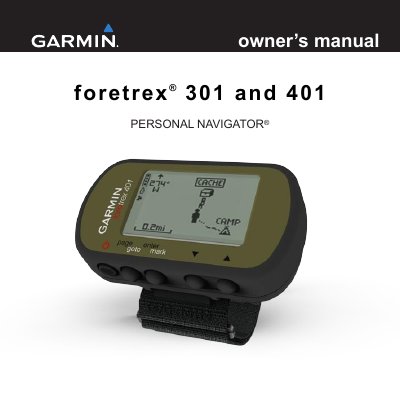

Garmin foretrex 301 and 401 User Manual - cover page
Brand
Garmin
Document type
User Manual
Language
English
Pages
40
File format
PDF
File size
731 KB
Published
18 October, 2023
Updated
18 October, 2023
MD5 checksum
3FBB0380BECC706827DF6CC0C1BAF17D

About this manual

This manual provides instructions for using the Garmin foretrex 301 and 401 personal navigators. It covers installing batteries, turning the device on and off, using the backlight, navigating menus, and configuring settings. The device includes features like altimeter, barometer, and timer, with optional accessories for heart rate and cadence. The manual also explains how to pair the device, transfer data wirelessly, and maintain the unit.

What's inside

  • Introduction
  • Getting Started
  • Buttons
  • Installing Batteries
  • Turning On Your Foretrex
  • Acquiring GPS Satellite Signals
  • Using the Backlight
  • Using the Main Pages
  • Waypoints, Tracks, and Routes
  • Settings

Frequently asked questions

What is the product name and type?

The product is the Foretrex 301 and 401, a personal navigator.

What are the main differences between the 301 and 401 models?

The 401 has an altimeter, barometer, electronic compass, and wireless transfer, while the 301 does not.

How do you turn the unit on and off?

Press and hold the power button to turn the Foretrex on and off.

What is the website to register the product?

Go to http://my.garmin.com to complete online registration.

Download PDF (731 KB)

More Garmin Manuals


View all Garmin manuals →