
Key facts
- Brand
- Garmin
- Model
- GTX 327
- Category
- Other
- Industry
- Automotive
- Documents
- 2
- Languages
- EN
- Last added
- 2023-10-12
Start here
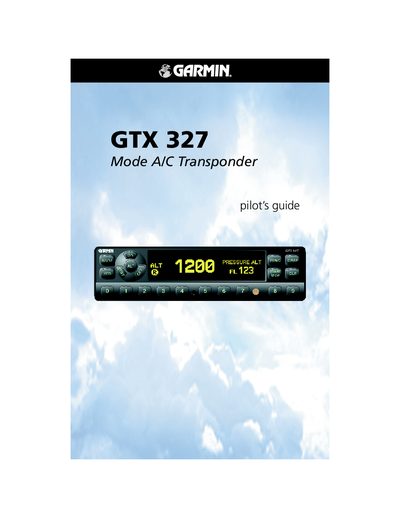
Garmin GTX 327 Mode A/C Transponder User Manual
This manual provides operating instructions for the Garmin GTX 327 Mode A/C transponder, covering power‑on procedures, mode selection, code entry, and the IDENT function. It also describes the configuration mode, timer features, and altitude display options.
Additional sections cover warranty information, altitude trend indicators, automatic standby switching, and detailed key functions such as FUNC, CRSR, CLR, and the numeric keys used for code and timer entry.
Garmin GTX 327 specifications
| Software Version Required | 2.10 |
|---|---|
| Wire Gauge | 24 AWG or larger |
| Diode Rating for Encoder Power | 3 Amp, 50 Volts |
All Garmin GTX 327 documents by type
Mounting, wiring and first power-up. Read it before the hardware goes in.
Day-to-day operation, settings and troubleshooting. Start here if the product is already set up.
Questions answered in these manuals
What software version is this manual for?
This manual is written for software version 2.10 and is not suitable for earlier versions.
What wire gauge is recommended for connections?
All wires should be 24 AWG or larger unless otherwise noted.
How do you power on the GTX 327 transponder?
Press the STBY, ON, or ALT keys, or use a remote avionics master switch to turn the unit on.
How do you activate the IDENT function?
Press the IDENT key; the transponder sends a special pulse for 18 seconds and displays “IDENT” on the screen.