
the manual introduces the quick start methods of foretrex 301 and 401
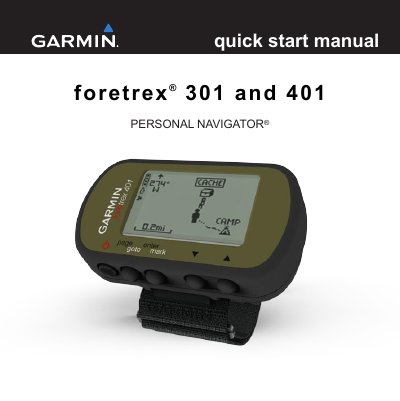
This document serves as a quick start guide for the Garmin Foretrex 301 and 401 Personal Navigator devices. It provides essential instructions for initial setup, including installing batteries and turning on the unit. The guide explains how to acquire GPS satellite signals and navigate through the device's five main pages: map, compass, elevation (401 only), trip computer, and main menu.
| Power Source | two AAA batteries |
|---|---|
| Battery Types | alkaline or NIMH |
| Waterproof | Yes |
| Wireless Transfer | No for 301, Yes for 401 |
The device operates on two AAA batteries, and you should use alkaline or NIMH batteries.
Press and hold the power button to turn the Foretrex on.
Acquiring satellite signals can take a few minutes.