
Key facts
- Brand
- Garmin
- Model
- CT10
- Industry
- Electronics
- Documents
- 2
- Languages
- ZH · EN
- Last added
- 2026-11-08
Start here
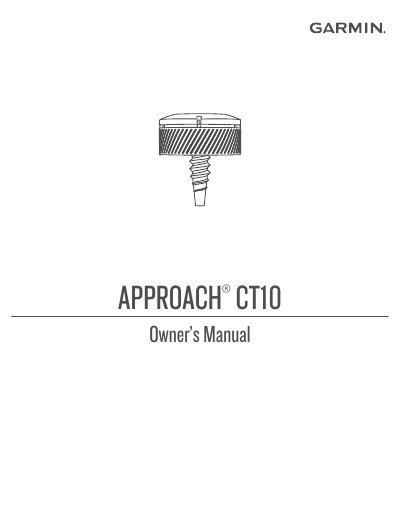
Garmin Approach CT10 User Manual
This manual explains how to attach and pair Garmin Approach CT10 sensors with compatible golf watches. It includes instructions for waking sensors, recording shots, customizing club lists, and replacing batteries. The guide also covers troubleshooting common issues and updating software via Garmin Connect.
Device specifications are provided, including battery life, operating temperature, and water resistance. Users can manage sensor assignments, view device information, and sync data with the Garmin Golf app or Garmin Connect for detailed game analysis. This manual is written in Chinese.
Garmin CT10 specifications
| Battery type | User-replaceable CR2032, 3 V |
|---|---|
| Battery life | Up to 4 yr. |
| Operating temperature range | From -10° to 50°C (from 14° to 122°F) |
| Wireless frequency/protocol | 2.4 GHz @ -0.45 dBm nominal |
| Water resistance | IEC 60529 IPX7 |
Source: Garmin Approach CT10 User Manual
All Garmin CT10 documents by type
Day-to-day operation, settings and troubleshooting. Start here if the product is already set up.
Questions answered in these manuals
Is my watch compatible with my sensors?
The Approach CT10 sensors are compatible with some Garmin golf watches. Go to garmin.com/ct10compatibility for compatibility information.
How do I replace the battery?
Twist the cover counter-clockwise to unlock it, remove the cover and battery, insert the new battery with the negative side facing in, replace the cover, and rotate clockwise until it clicks.
What is the battery life of the sensor?
The battery life is up to 4 years.
How do I attach the sensor to a golf club?
Screw the sensor into the hole at the end of the grip and tighten it so it does not move during use.