
This manual provides instructions for using the APPROACH CT10 sensors, including pairing, using, maintaining, and troubleshooting them.
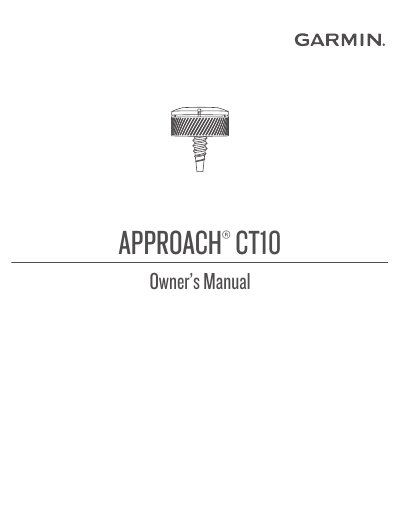
The Garmin Approach CT10 is a user-replaceable golf club sensor designed to work with compatible Garmin golf devices. It automatically detects shots and records data to help improve your game. The sensor attaches to the end of the club grip and communicates wirelessly with your device.
| Battery type | User-replaceable CR2032, 3 V |
|---|---|
| Battery life | Up to 4 yr. |
| Operating temperature range | From -10° to 50°C |
| Water resistance | IEC 60529 IPX7 |
| Wireless frequency | 2.4 GHz |
The battery life is up to 4 years.
Screw the sensor into the hole at the end of the grip and tighten it so it does not move during use.
The sensor uses a user-replaceable CR2032 battery with a voltage of 3 V.
The device withstands incidental exposure to water of up to 1 m for up to 30 min.