
Key facts
- Brand
- EverFocus
- Model
- ECOR264
- Category
- Other Electronics
- Documents
- 7
- Languages
- EN
- Last added
- 2012-07-09
Start here
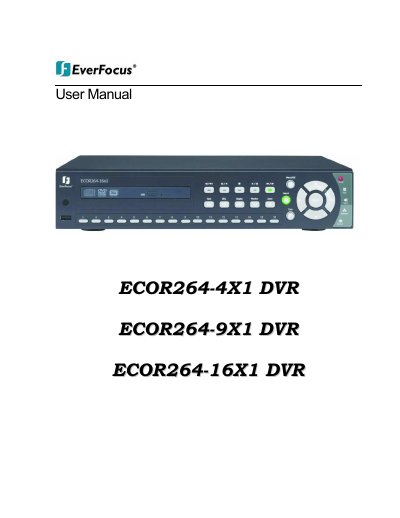
EverFocus ECOR264-4X1/9X1/16X1 DVR User Manual
This document serves as the official user manual for the EverFocus ECOR264 series of Digital Video Recorders (DVRs), specifically covering models ECOR264-4X1, ECOR264-9X1, and ECOR264-16X1. It details the product overview, safety precautions, and package contents, guiding users through the initial setup and hardware installation.
Read onlineEverFocus ECOR264 specifications
| Supported Series | ECOR264-4D1/F1, ECOR264-8D2, ECOR264X1 (4, 9 & 16 camera), Paragon264X4 |
|---|---|
| Zoom Levels | 2X or 4X |
| Quick Archive Duration Options | 10, 20, 30, 60, or 90 minutes |
| Sub Stream Formats | CIF image; H.264 or MJPEG format |
| PTZ Step Control Speed Range | 1X through 16X |
Source: EverFocus Q1 2011 Firmware Release Note for ECOR264/Paragon264X4 DVRs
All EverFocus ECOR264 documents by type
Day-to-day operation, settings and troubleshooting. Start here if the product is already set up.
Questions answered in these manuals
Which DVR series does this firmware release address?
The February 25, 2011 update addresses an ActiveX issue for the ECOR264 series only.
From: EverFocus Q1 2011 Firmware Release Note for ECOR264/Paragon264X4 DVRs
How can I enable remote reboot of the DVR?
Users must enable a check box in the local System Menu under 'Misc.' and then click the button in the web interface System Menu.
From: EverFocus Q1 2011 Firmware Release Note for ECOR264/Paragon264X4 DVRs
What new recording speeds are available in this version?
The update increases choices for the record speed setting to include 2 and 3 FPS.
How does this release protect against accidental disk erasure?
A prompt is added before formatting a disk on the remote viewer to prevent accidental erasure.
What is the Quick Archive function used for?
It copies up to 90 minutes of video from all cameras with a single button press, even if front panel keys are locked.
Which video format is used for iPhone and Android apps?
The Dual Remote/Mobile Stream setting uses H.264 for the MobileFocus apps on those devices.