
Key facts
- Brand
- EverFocus
- Model
- Paragon264X4
- Category
- Digital Video Recorder
- Documents
- 2
- Languages
- EN
- Last added
- 2012-07-09
Start here
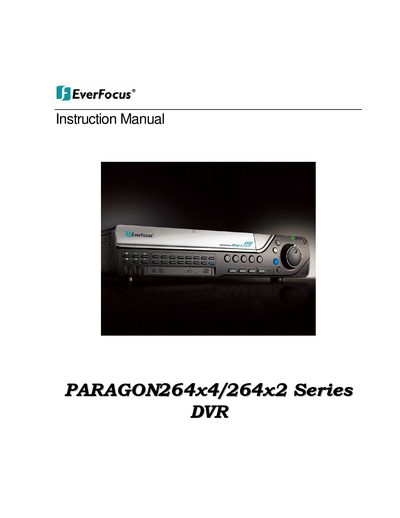
EverFocus PARAGON264x4/264x2 Series DVR Instruction Manual
This document serves as the official instruction manual for the EverFocus PARAGON264x4/264x2 Series DVR. It provides comprehensive guidance on safety precautions, package contents, and hardware descriptions including front and rear panels. The guide details the installation process for hard drives, video inputs/outputs, audio, alarm contacts, RS-485 keyboards, PTZ devices, USB mice, and network connections.
The manual further explains general DVR operations such as camera selection, playback, layout management, zooming, searching, and copying. It includes a detailed section on configuring the device via the OSD menu for settings like video adjustment, recording schedules, email alerts, DDNS setup, and system parameters. Additionally, it covers networking concepts including TCP/IP, subnet masks, virtual ports, and remote operation from a web browser.
EverFocus Paragon264X4 specifications
| Supported Series | ECOR264-4D1/F1, ECOR264-8D2, ECOR264X1 (4, 9 & 16 camera), Paragon264X4 |
|---|---|
| Zoom Levels | 2X or 4X |
| Quick Archive Duration Options | 10, 20, 30, 60, or 90 minutes |
| Sub Stream Formats | CIF image; H.264 or MJPEG format |
| PTZ Step Control Speed Range | 1X through 16X |
Source: EverFocus Q1 2011 Firmware Release Note for ECOR264/Paragon264X4 DVRs
All EverFocus Paragon264X4 documents by type
Day-to-day operation, settings and troubleshooting. Start here if the product is already set up.
Questions answered in these manuals
What is the input power requirement?
The device requires an input power source of 100 ~ 240 VAC.
From: EverFocus PARAGON264x4/264x2 Series DVR Instruction Manual
What is the maximum operating temperature for the DVR?
The device must be operated within a temperature range of 0°C to 40°C.
From: EverFocus PARAGON264x4/264x2 Series DVR Instruction Manual
Which DVR series does this firmware release address?
The February 25, 2011 update addresses an ActiveX issue for the ECOR264 series only.
From: EverFocus Q1 2011 Firmware Release Note for ECOR264/Paragon264X4 DVRs
How can I enable remote reboot of the DVR?
Users must enable a check box in the local System Menu under 'Misc.' and then click the button in the web interface System Menu.
From: EverFocus Q1 2011 Firmware Release Note for ECOR264/Paragon264X4 DVRs