
Key facts
- Brand
- Actron
- Model
- CP9575
- Industry
- Industrial
- Documents
- 3
- Languages
- FR · ES · EN
- Last added
- 2012-06-05
Start here
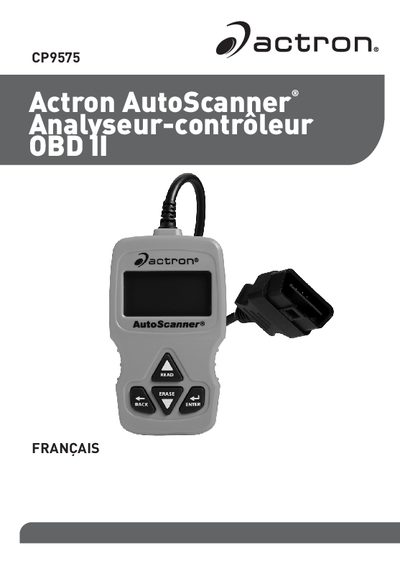
Actron CP9575 AutoScanner User Manual
This manual provides instructions for using the Actron CP9575 AutoScanner to retrieve and clear vehicle diagnostic data via an OBD II interface. It covers safety precautions, device components, and step-by-step procedures for connecting the scanner to a vehicle's port. This manual is written in French.
Read onlineAll Actron CP9575 documents by type
Day-to-day operation, settings and troubleshooting. Start here if the product is already set up.
Questions answered in these manuals
How do I read the diagnostic codes?
Press and hold the READ (LIRE) button for 2 seconds, or select 'Lire les codes' in the main menu.
Can this scanner clear pending codes?
Yes, the Erase function clears both active and pending diagnostic trouble codes.
How long must the READ key be held to read codes?
Hold the READ key for 2 seconds, then release it or select Read Codes from the main menu.
How long must the ERASE key be held to clear codes?
Hold the ERASE key for 3 seconds, then release it or select Clear Codes from the main menu.
How do I read diagnostic codes?
Press and hold the READ key for 2 seconds then release it, or select Read Codes from the Main Menu.
Can the tool read freeze frame data?
Yes, it displays a snapshot of operating conditions at the time the Diagnostic Trouble Code was created.