
Actron CP9575 AutoScanner User Manual

This is the user manual of Actron AutoScanner ® OBD II Analyzer-Controller
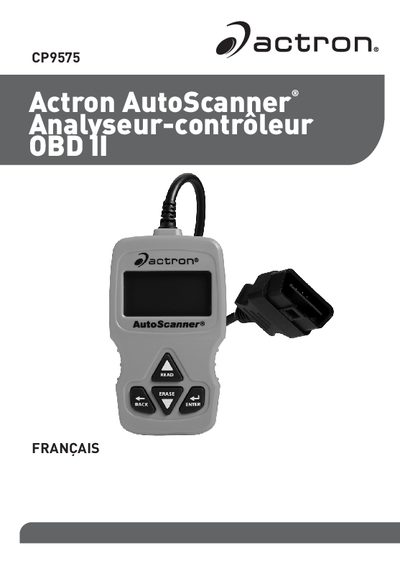

Actron CP9575 AutoScanner User Manual - cover page
Brand
Actron
Category
Vehicle maintenance
Document type
User Manual
Language
French
Pages
16
File format
PDF
File size
719 KB
Published
05 June, 2012
Updated
30 September, 2023
Model
CP9575
MD5 checksum
179F3552334CE2099B1DAA46ED83B71E

About this manual

This manual provides instructions for using the Actron CP9575 AutoScanner to retrieve and clear vehicle diagnostic data via an OBD II interface. It covers safety precautions, device components, and step-by-step procedures for connecting the scanner to a vehicle's port. This manual is written in French.

What's inside

  • Mesures de sécurité
  • A propos de l'analyseur-contrôleur
  • Pièces de l'analyseur-contrôleur
  • Connecter l'analyseur-contrôleur
  • Interface utilisateur du Menu principal
  • Lire les codes
  • Effacer les codes
  • Etat MIL
  • Détecteurs I/M

Frequently asked questions

How do I read the diagnostic codes?

Press and hold the READ (LIRE) button for 2 seconds, or select 'Lire les codes' in the main menu.

Can this scanner clear pending codes?

Yes, the Erase function clears both active and pending diagnostic trouble codes.

Download PDF (719 KB)

More Actron Manuals


View all Actron manuals →