
Actron AutoScanner ® OBD II Scanner Tool is a product of Actron, its model is CP9575. It is an OBD II scanner that can read codes, clear codes, test the driving cycle, view freeze frame data, view vehicle information, check OBD status (emissions), etc.
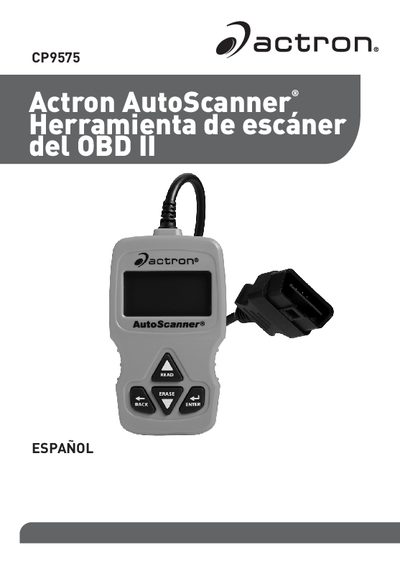
This document is the Spanish user manual for the Actron CP9575 OBD II AutoScanner. It provides step-by-step instructions on how to use the tool to retrieve and clear diagnostic trouble codes (DTCs), check the status of the Malfunction Indicator Lamp (MIL), monitor I/M readiness, view freeze frame data, and update the device firmware. The manual includes specific safety warnings regarding battery acid, airbags, and vehicle stability during testing. This manual is written in Spanish.
Hold the READ key for 2 seconds, then release it or select Read Codes from the main menu.
Hold the ERASE key for 3 seconds, then release it or select Clear Codes from the main menu.