
Key facts
- Brand
- Actron
- Model
- CP7848
- Industry
- Industrial
- Documents
- 2
- Languages
- ES
- Last added
- 2012-06-05
Start here
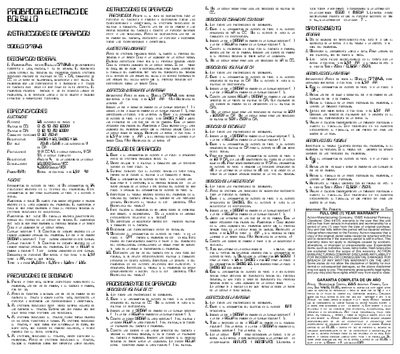
Actron CP7848 Engine Diagnostic Tool User Manual
The document is a user guide for the Actron CP7848 engine diagnostic tool. It details how to install the unit in the vehicle's OBDII port and explains the functions of the various buttons on the device.
The manual covers operational procedures such as starting the engine, reading fault codes, clearing codes, and performing a live data scan. It also includes specific instructions for troubleshooting common issues like battery drain or communication errors. This manual is written in Spanish.
All Actron CP7848 documents by type
Day-to-day operation, settings and troubleshooting. Start here if the product is already set up.
Questions answered in these manuals
What is the warranty period for this unit?
The unit is warranted to be free from defects in materials and workmanship for a period of one (1) year from the date of original purchase.
What is the Actron CP7848 diagnostic tool used for?
It is designed to diagnose engine problems by connecting to a vehicle's computer system.
What is the warranty period for this charger?
The unit is warranted to be free from defects in materials and workmanship for a period of one (1) year from the date of original purchase.
What address should I use to return the charger for warranty service?
You must return the unit to Actron Manufacturing Company at 15825 Industrial Parkway, Cleveland, Ohio 44135.