
Key facts
- Brand
- Actron
- Model
- CP9580
- Industry
- Industrial
- Documents
- 2
- Languages
- ES
- Last added
- 2012-06-05
Start here
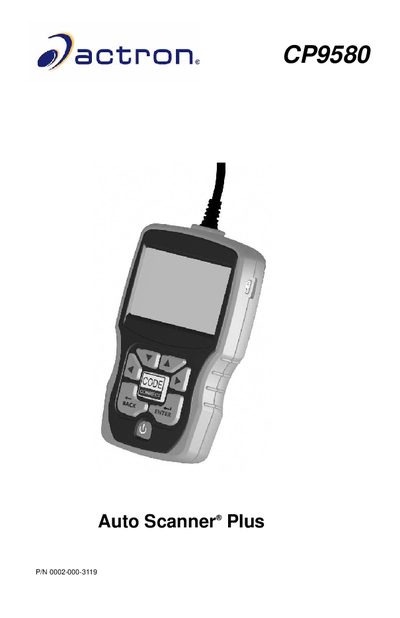
Actron CP9580 Auto Scanner Plus User Manual
The document provides comprehensive operating instructions for the Actron CP9580 Auto Scanner Plus. It begins with detailed safety warnings regarding electrical shock, explosive vapors, and battery handling before guiding users through tool configuration and system settings.
The manual covers the full range of diagnostic functions available on the scanner, including reading and clearing OBD II trouble codes (DTCs), viewing live data streams, performing emission tests, and accessing vehicle-specific information. It also includes a troubleshooting section for common issues such as communication failures and battery replacement. This manual is written in Spanish.
All Actron CP9580 documents by type
Day-to-day operation, settings and troubleshooting. Start here if the product is already set up.
Questions answered in these manuals
Where can I find technical support for this scanner?
You can contact technical service by calling 1-800-228-7667 or visiting the website www.actron.com.
What is the address for SPX Service Solutions?
The mailing address is 655 Eisenhower Dr., Owatonna, MN 55060.
How do I contact technical support?
You can call 1-800-228-7667 or visit the website www.actron.com.
Where is the manufacturer located?
The manufacturer, SPX Service Solutions, is located at 655 Eisenhower Dr., Owatonna, MN 55060.