
This is a user manual for Actron AutoScanner ® OBD II Scan Tool, which introduces how to use the tool.
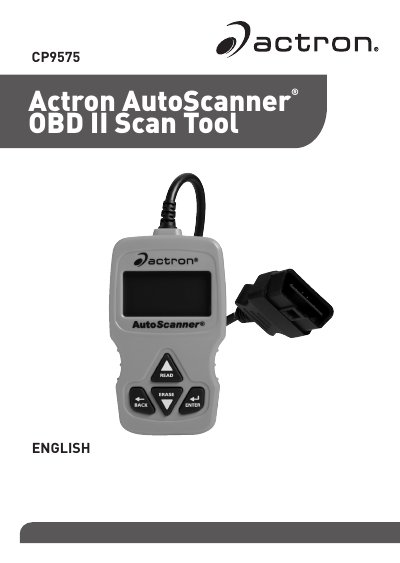
The Actron CP9575 is an OBD II scan tool designed to retrieve and erase diagnostic trouble codes (DTCs) from vehicle control modules. It supports functions such as viewing MIL status, I/M monitors, freeze frame data, and real-time PID data. The device features a monochrome backlit LCD display with READ, ERASE, ENTER, and BACK keys for navigation.
| Display Type | 8 line by 21 character monochrome backlit LCD |
|---|---|
| Compatible Vehicles | model year 2000 and newer OBD II compliant vehicles |
Press and hold the READ key for 2 seconds then release it, or select Read Codes from the Main Menu.
Yes, it displays a snapshot of operating conditions at the time the Diagnostic Trouble Code was created.