
User manual for the ZLG ZNE-100T embedded network module, covering hardware connections, software configuration, and web-based setup instructions.
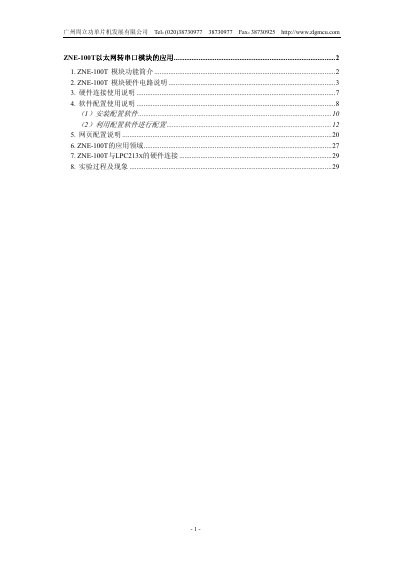
This manual provides a comprehensive guide for the ZLG ZNE-100T embedded network module, which integrates a TCP/IP protocol stack to enable network communication for embedded devices. The document details the module's functional features, including support for TCP Server/Client, UDP, and Real COM modes, as well as its hardware specifications such as the 32-bit ARM7 CPU and 10M Ethernet interface.
The guide covers hardware circuit descriptions, pin definitions, and evaluation board usage. It includes step-by-step instructions for hardware connections, software configuration using the ZnetCom Utility, and web browser-based configuration. Additionally, it outlines application scenarios and provides examples of connecting the module to microcontrollers like the LPC213X. This manual is written in Chinese.
| CPU | 32-bit ARM7 |
|---|---|
| RAM | 16KB |
| Flash Memory | 128KB |
| Ethernet Interface | 10M |
| Serial Port Baud Rate | 300~115200 bps |
| Input Voltage | 5V DC |
| Max Working Current | 38 mA |
| Operating Temperature | 0~65ºC |
| Storage Temperature | -25~85ºC |
| Module Dimensions | 44×31.5mm |
The default IP address is 192.168.0.178.
The default subnet mask is 255.255.255.0.
The utility supports Windows 98, ME, NT, 2000, and XP.
Yes, the module can be configured using a Web browser or Windows utility.