
This guide details the technical possibilities and application configurations for the ZLG TRIOS DALI indoor lighting control system.
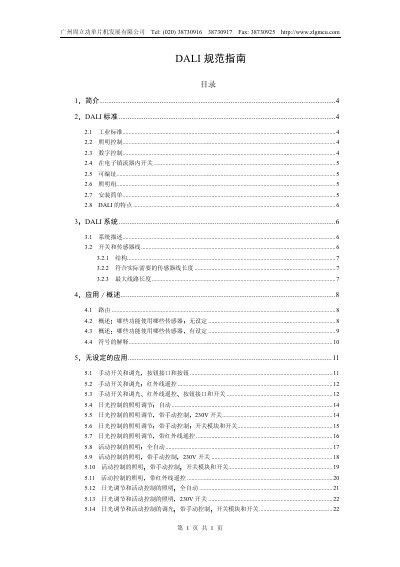
This document explains the technical capabilities of the DALI (Digital Addressable Lighting Interface) system in special applications. It covers the DALI standard, system description, installation methods, and various application scenarios ranging from simple manual switching to complex daylight and movement-controlled lighting regulation.
The guide specifically focuses on the TRIOS DALI controller, describing its functions such as automatic daylight control, movement-controlled switching, and manual dimming via switches or IR remote controls. It provides detailed instructions on setting up lighting groups, assigning addresses using IRT 1090/8050, configuring dimming channels with IRC 2130 remotes, and connecting various sensors like light and motion detectors. This manual is written in Chinese.
A TRIOS DALI controller can connect up to 20 DALI electronic ballasts via DALI lines.
The total length of all sensor lines connected to the TRIOS DALI must not exceed 125m.
Up to 5 independent lighting groups can be configured when setting with appropriate sensors and the IRT 1090.