
The manual explains the features, development environment, and operation of ZHIYUAN Electronics' TKStudio Serial Debugging Assistant.
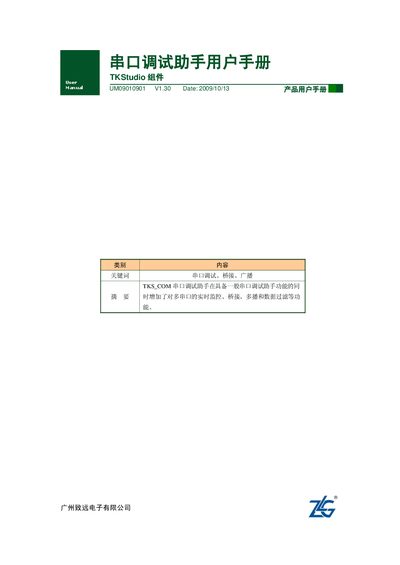
The TKStudio Serial Debugging Assistant is a software tool that simplifies testing and debugging of devices with serial ports. It adds multi‑port real‑time monitoring, bridging, broadcasting and data‑filtering to the basic functions of a serial debugger.
The manual describes the required hardware and software environment, how to launch the tool from the TKStudio IDE, and detailed usage steps such as opening ports, sending/receiving data, configuring bridges and broadcasts, and saving settings. This manual is written in Chinese.
| Processor | Pentium‑2 or compatible PC |
|---|---|
| Memory | At least 64 MB |
| Disk Space | 1 GB hard‑disk space |
| Serial Port | At least one RS232 port |
| Operating System | Windows 95 or later |
| TKStudio IDE Version | V3.1.14 or later |
It runs on Windows 95 and later versions of Windows.
Open TKStudio, then choose Tools → Debug Tools → Serial Debugging Assistant.