
The YAAN YS3051/YS3051H smart gimbal user manual provides installation, operation, configuration and troubleshooting instructions.
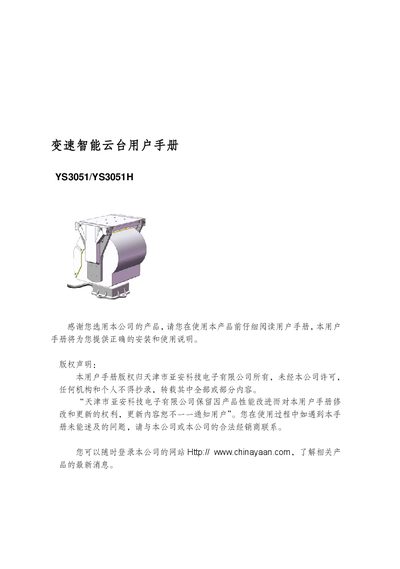
This manual covers safety precautions, product features, technical specifications and step‑by‑step installation guidance for the YAAN YS3051/YS3051H variable‑speed smart gimbal. It explains how to set up power, communication parameters, preset positions and special scanning functions.
Additional sections describe the screen menu operations, auxiliary functions, how to restore factory defaults and a simple fault‑handling guide to help users resolve common issues quickly. This manual is written in Chinese.
| Input voltage | AC24V ±25% |
|---|---|
| Power (no heating) | ≤85W |
| Horizontal rotation angle | 0 ~ 360° continuous |
| Vertical rotation angle | -75° ~ +40° |
| Horizontal rotation speed | 0.01 °–60°/s |
| Vertical rotation speed | 0.01 °–30°/s |
| Maximum load | 15.5 kg |
| Weight | 13 kg |
| Protection rating | IP66 |
| Operating temperature | -20 °C ~ +65 °C (‑35 °C ~ +65 °C with heating) |
Select the “恢复出厂默认值” option in the main menu and confirm; the gimbal will reset all parameters and perform a self‑check.
The gimbal can store up to 80 preset positions.
The maximum top‑load capacity is 15.5 kg.
Supported protocols include Industry V0.0, Industry V1.0, YAAN, Pelco‑P and Pelco‑D.