
The WS9032GEV1 demo manual provides specifications, circuit layout, BOM and protection features for the 175‑264 V AC non‑dimmable LED driver.
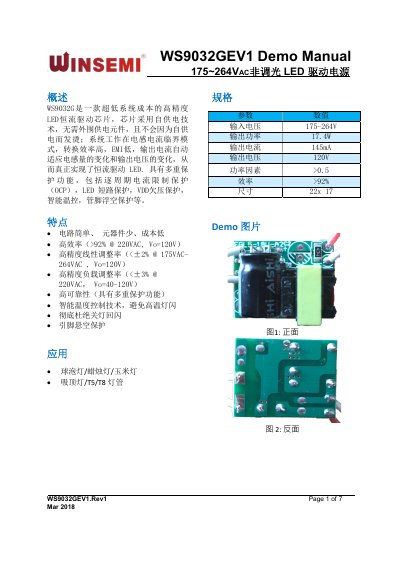
The WS9032GEV1 is a low‑cost, high‑precision LED constant‑current driver chip that operates without external supply components and includes multiple protection functions such as OCP, short‑circuit, undervoltage, temperature control and pin‑floating protection. It delivers high efficiency (>92 % at 220 VAC) and low EMI while automatically adapting output current to changes in inductance and voltage.
The manual contains an overview of features and applications, detailed specifications, PCB layout drawings, schematic, bill of materials, electrical characteristic curves, key waveforms, and temperature test results to aid designers in integrating the driver into various LED lighting products. This manual is written in Chinese.
| Input voltage | 175‑264 V AC |
|---|---|
| Output power | 17.4 W |
| Output current | 145 mA |
| Output voltage | 120 V |
| Power factor | >0.5 |
| Size | 22 × 17 mm |
It operates from 175 V to 264 V AC.
It includes per‑cycle over‑current protection (OCP), LED short‑circuit protection, VDD undervoltage protection, intelligent temperature control, and pin‑floating protection.
The driver provides a constant output current of 145 mA.