
User manual for the Wasp WPA 1000II mobile computer, covering setup, hardware, connections, barcode scanning, resets, and specifications.
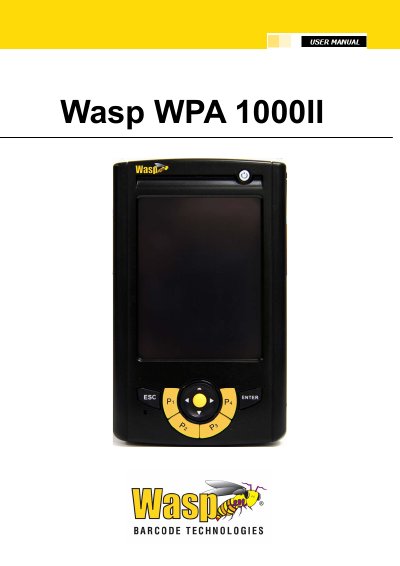
The WPA 1000II User Manual covers getting started, hardware use, device-PC and WiFi connections, barcode scanner programs, and advanced settings such as hardware resets.
It also includes battery notices, charging and storage guidance, warranty information, and system specifications for the WPA 1000II mobile computer.
| Main battery | Removable and rechargeable 3.7 V, 2200 mAh battery pack |
|---|---|
| Backup battery data retention | Up to 2 hours for SDRAM data if the main battery is removed |
| Full charge time | 4.5 hours |
| Charging temperature range | 0°C to 40°C (32°F to 104°F) |
| Storage temperature range | -20°C to 60°C |
| Power adapter | 5V/3A AC-DC adapter |
| Device warranty | 1-year limited warranty |
| Battery warranty | 6-month limited warranty |
| Display | Color display with touch screen |
| Keypad | Five-way directional key and six application keys |
| Connectivity | Infrared interface, Bluetooth, and wireless communication capability |
| Memory expansion | SD, MMC, or SDIO cards |
| Universal connector | Supports USB and RS232 hosting |
| Barcode scanner | Barcode laser scanner (optional) |
Recharge the unit for 4.5 hours to fully charge the main battery and backup battery.
A cold boot erases all data and all programs you have added and restores the device to default factory settings.
Remove the stylus and lightly press its tip to the reset button on the rear side of the terminal.
Lithium-Ion batteries may be stored at temperatures between -20°C and 60°C.