
Programming guide for configuring Wasp WCS3900 Series barcode scanners, including setup, symbology settings, and technical specifications.
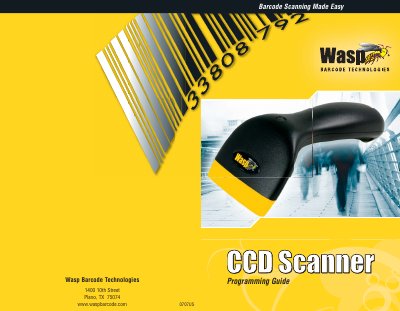
Wasp WCS3900 Series scanners use CCD technology and plug into a PC USB or PS/2 port, entering scanned data as keyboard data. They are ready to scan common barcode symbologies out of the box and do not require software or drivers.
This programming guide explains installation, quick start, setup and configuration options, barcode symbology settings, technical specifications, and troubleshooting support. Default settings are pre-programmed for common barcode configurations and can be reset with the factory default barcode.
| Scanning Width | 3.00”(76mm) |
|---|---|
| Depth of Field | contact to 5mm (approx 1.5”) |
| Scan Rate | 45 scans/second |
| Decode Rate | 100 scans/second |
| Light Source | 660 nm red visible LED |
| Sensor | 2088 linear imager |
| Operating Voltage | +5 VDC ±5% |
| Current Consumption | Decoded: Standby <30 mA/ Working <95 mA |
| Output | USB or PS/2 |
| Dimensions | L7.40” x W3.62” x H1.06” |
| Weight | 125 g (without cable) |
| Cable | 6 ft |
| Housing | ABS |
| Operating Temperature | 0°C to 50°C |
| Storage Temperature | -20°C to 60°C |
| Relative Humidity | 20% to 80% non-condensing |
| Safety Certification | Conforms FCC Class A and CE requirements |
| Minimum X-dimension | 5 mils (0.005 in/0.13 mm) |
Scan the “Notebook” barcode on page 7.
Scan the “Tab” barcode on page 13.
Scan the “None” barcode on page 13.
Scan the “Enable Code 39 Full ASCII” barcode on page 14.