
Wasp WCS3900 Series Scanner Programming Guide

This manual introduces the basic configuration of Wasp® WCS3900 series scanners, such as decode format, data output format, trigger mode, LED indicator, buzzer, decode priority, etc.
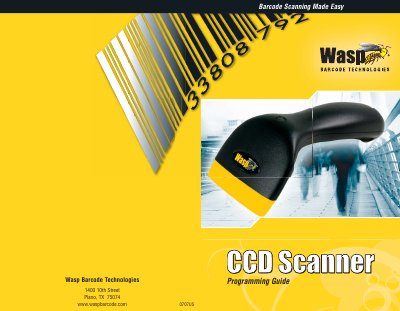

Wasp WCS3900 Series Scanner Programming Guide - cover page
Brand
Wasp
Category
Scanner
Document type
User Manual
Language
English
Pages
44
File format
PDF
File size
1.4 MB
Published
19 October, 2023
Updated
19 October, 2023
MD5 checksum
42A18135080EE437000D0E8E03830793

About this manual

The Wasp WCS3900 Series scanners utilize CCD technology to read barcodes by photographing and digitizing them. These devices are extremely rugged with no moving parts and plug directly into a PC's USB or PS/2 port, entering data as keyboard input. The manual explains that the scanners are ready to scan popular barcodes out of the box but can be customized for specific applications using programming barcodes.

What's inside

  • Introduction
  • Barcode Symbologies
  • Installation
  • Quick Start
  • Setup and Configuration
  • Factory Default
  • Appendix
  • Warranty
  • Frequently Asked Questions

Frequently asked questions

What is the default barcode to reset the scanner to factory settings?

Scan the default barcode on page 7 to reset the scanner to its factory settings.

Download PDF (1.4 MB)

More Wasp Manuals


View all Wasp manuals →