
The guide provides setup, operation, connectivity, battery care, and advanced settings for the Wasp WPA1200 II PDA.
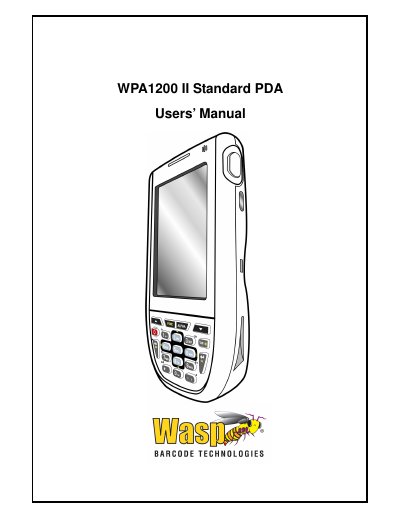
The Wasp WPA1200 II PDA is a rugged, compact mobile computer running Windows Mobile 6.1, featuring an integrated laser barcode scanner, color touchscreen, keypad, IrDA and wireless communication. This Users’ Guide explains how to set up, operate, and maintain the device.
The manual covers getting started, hardware usage, PC connectivity, barcode scanner programs, advanced settings, battery management, technical specifications, regulatory approvals, and accessory information.
| CPU | PXA270 624 MHz |
|---|---|
| Memory | 128 MB SDRAM (32 bits) |
| Flash ROM | 576 MB |
| Operating System | Windows Mobile 6.1 |
| Display | 240 × 320 QVGA color transflective TFT |
| Scanner | Laser scan engine, 104 scans/sec |
| Main Battery | 3.7 V 2200 mAh / 3300 mAh optional |
| Operation Hours | Up to 11 h (2200 mAh) or 15 h (3300 mAh) |
| Weight | 10 oz (with battery) |
| Dimensions | ≈ 5.8 " L × 1 " H × 3.3 " W |
| Operating Temperature | 14 °F to 122 °F (‑10 °C to 50 °C) |
When both batteries are discharged, recharge the unit for 16 hours to fully charge the main and backup battery.