
User manual for the Wasp WWS550i Freedom Barcode Scanner covering setup, Bluetooth pairing, barcode configuration, beep settings, and specifications.
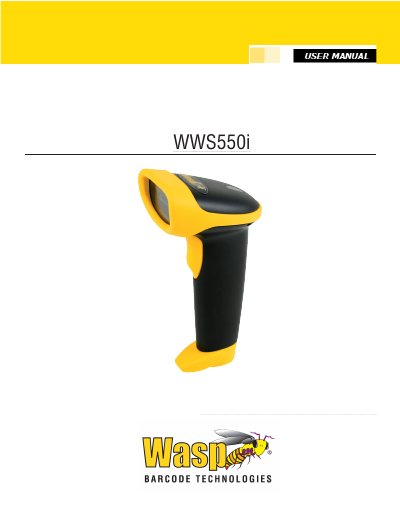
The Wasp WWS550i Freedom Scanner is a CCD barcode scanner with a reading distance of up to one foot, depending on the barcode mil size. It has no moving parts and reads barcode symbologies including Code 39, Code 93, Code 128, Interleaved 2 of 5, UPC-A, UPC-E, EAN/JAN-8, EAN/JAN-13, Codabar, and MSI/Plessey.
The manual covers unpacking, charging the scanner, setting up a Bluetooth adapter, pairing with Bluetooth devices, autosense stand mode, connection and scan options, start/stop PIN entry, beep settings, language and preamble/postamble settings, terminator/code ID, symbology enable/disable settings, Bluetooth settings, and technical specifications.
| Depth of Field | 2” to 12” (50mm to 304mm) |
|---|---|
| Width of Field | 4.7 inches (120 mil) |
| Scan Rate | 230 scans / second |
| Light Source | 625 ~ 660 nm visible red LED |
| Sensor | 2088 Element linear imager |
| Operating Current | 160mA |
| Standby Current | 40mA |
| Battery Type | Lithium-ion (700 mA) |
| Weight | 5.6 ounces (160 g) |
| Impact Tolerance | 5 feet (1.5 meter) drop |
| Operating Temperature | 41°F to 104°F (5°C to 40°C) |
You must charge the scanner for 4 hours before first using it.
Scan the Factory Default barcode to reset the scanner to the default settings.
Bluetooth HID is on by default and works like a keyboard.
The depth of field is 2 inches to 12 inches (50 mm to 304 mm).