
User’s manual for the Wasp WRS100SBR 1D Ring Barcode Scanner covering setup, configuration, symbology, cloning mode, and LED/beeper indications.
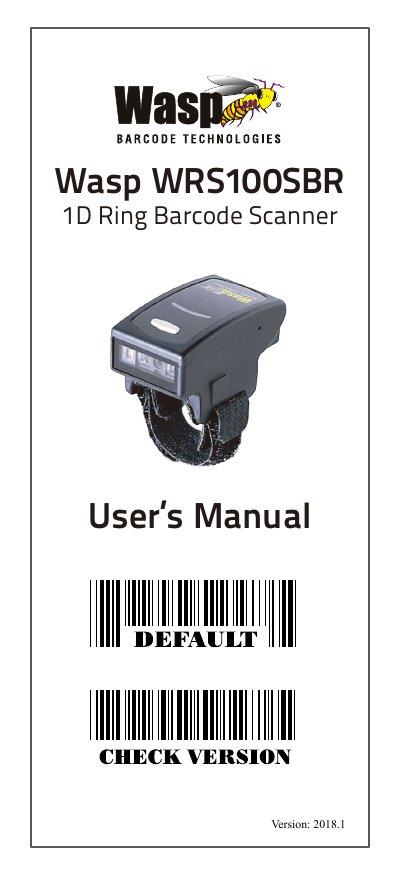
This manual provides step-by-step instructions for configuring and operating the Wasp WRS100SBR 1D Ring Barcode Scanner. It covers settings for symbology, beep tones, reading modes, and wireless connections. The document also explains cloning mode, which allows settings to be duplicated across multiple scanners using barcode labels. LED and beeper indicators signal scanner status and operational modes.
| Symbology Support | Code 39, Codabar, UPC-A, EAN-13, GS1 Databar, and others |
|---|---|
| Cloning Mode Format | First row: .A017$ (fixed), subsequent rows: … XXXX (4, 8, 12, 16, or 20 digits) |
| Interface | Bluetooth HID, USB HID, USB VCP |
| Default Firmware Version | Version 2018.1 |
Scan the CLONING MODE barcode, then print the alphanumeric settings as Code 39 barcodes. Scan each printed label sequentially with the target scanners.
LED and beeper combinations indicate status such as successful connection, barcode scan, low power, or poor connection (out of range).
Scan the appropriate barcode for beep tone (e.g., BEEP HIGH, BEEP LOW, BEEP OFF) and terminator (CR, CR+LF, or LF).