
Key facts
- Manuals
- 1
- Languages
- EN
- Last added
- 2026-10-01
Featured Wasp manuals
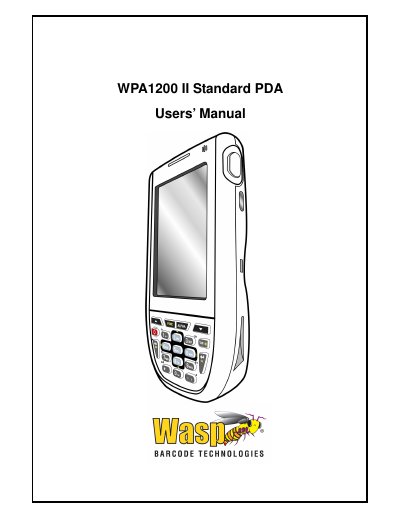
Wasp WPA1200 II PDA Users’ Guide
The Wasp WPA1200 II PDA is a rugged, compact mobile computer running Windows Mobile 6.1, featuring an integrated laser barcode scanner, color touchscreen, keypad, IrDA and wireless communication. This Users’ Guide explains how to set up, operate, and maintain the device.
The manual covers getting started, hardware usage, PC connectivity, barcode scanner programs, advanced settings, battery management, technical specifications, regulatory approvals, and accessory information.
Covers: Getting Started · Using the Hardware · Getting Connected · Barcode Scanner Programs · Advanced Settings · Regulatory Approvals
Latest Wasp manuals
Wasp WPA1200 II PDA Users’ Guide
User Manual 51 pages · 3.5 MB · ENThe guide provides setup, operation, connectivity, battery care, and advanced settings for the Wasp WPA1200 II PDA.
Which document do I need?
User Manual
Day-to-day operation, settings and troubleshooting. Start here if the product is already set up.
Questions answered in Wasp manuals
How long does it take to fully charge the WPA1200 II battery?
When both batteries are discharged, recharge the unit for 16 hours to fully charge the main and backup battery.