
Wasp WDT3200 Mobile Device Quick Start Guide

Step-by-step instructions for unpacking, setting up, and using the Wasp WDT3200 mobile device, including battery installation and software setup.
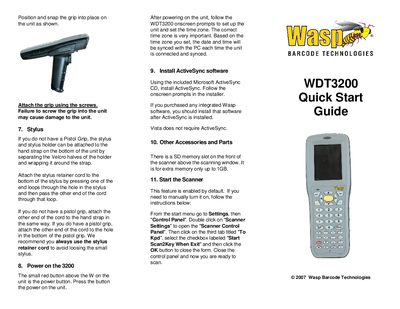

Wasp WDT3200 Mobile Device Quick Start Guide - cover page
Brand
Wasp
Category
Mobilephone Accessories
Document type
Quick Start Guide
Language
English
Pages
2
File format
PDF
File size
684 KB
Published
13 October, 2026
Updated
13 October, 2026
MD5 checksum
15422EE7ECEB011E00D2FA7BB2C0DEE7

About this manual

This guide provides initial setup instructions for the Wasp WDT3200 mobile device. It covers unpacking the unit, removing protective films, installing the battery with correct polarity, and attaching optional accessories like the pistol grip or stylus holder.

The document also details how to power on the device, configure time zones, and install necessary software such as Microsoft ActiveSync. Finally, it explains how to prepare the battery adapter for charging before first use.

What's inside

  • Unpack
  • Remove Protective Film
  • Open Battery Compartment
  • Install Battery
  • Prepare Battery Adapter
  • Pistol Grip
  • Power on
  • Install ActiveSync software

Frequently asked questions

How long should the battery be charged before first use?

Charge for 12 hours before first use.

What is required to turn on the WDT3200?

Press the small red button above the W on the unit.

Download PDF (684 KB)

More Wasp Manuals


View all Wasp manuals →