
Ubiquiti airMAX Bullet AC IP67 is a dual-band gigabit wireless router with built-in Wi-Fi management, which can provide stable and high-speed wireless network connection.
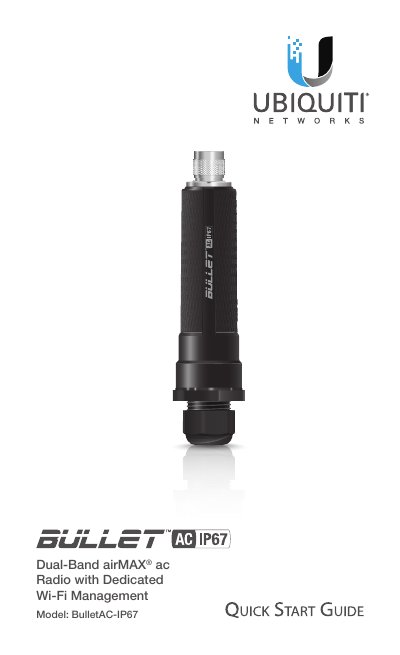
This document serves as a Quick Start Guide for the Ubiquiti Networks airMAX Bullet AC IP67, a dual-band wireless radio. It outlines professional installation requirements, emphasizing the use of shielded Ethernet cabling and surge protection to maintain the product warranty. The guide details the physical assembly of the device, including the connection of the N-Type antenna connector and the securing of the Ethernet cable through the cable gland body.
| Dimensions | 190 x 46 mm (7.72 x 1.81") |
|---|---|
| Weight | 190 g (6.70 oz) |
| Processor | MIPS 74KC |
| Memory | DDR2 64MB |
| Operating Temperature | -40 to 70° C (-40 to 158° F) |
| Operating Humidity | 5 to 95% Noncondensing |
| Max. TX Power | 21 dBm |
| Power Supply | 24V, 0.3A Gigabit PoE Adapter |
Shielded Category 5 (or above) cabling with drain wire should be used and grounded through the AC ground of the PoE.
Yes, two Ethernet Surge Protectors (ETH-SP) are recommended, one near the device and one at the building entry point.
You can access the airOS Configuration Interface via the UNMS App or Web Portal using the default Wi-Fi SSID for 15 minutes.