
This manual covers the installation, software setup, and technical specifications for the Tenda TEL9901G PCI Gigabit Ethernet network card.
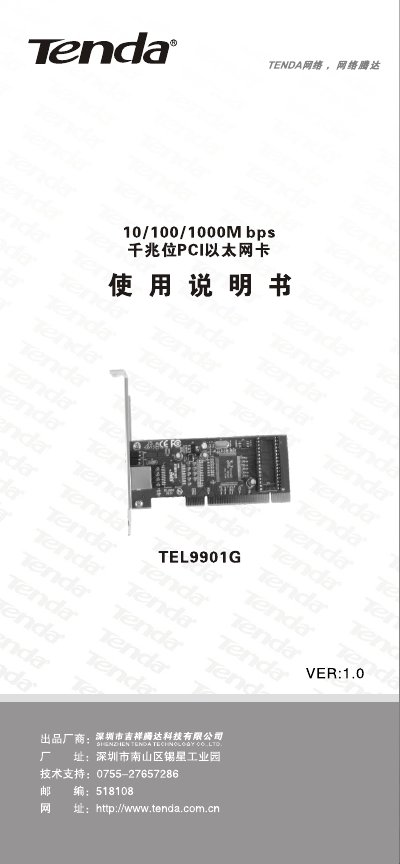
The Tenda TEL9901G is a 10/100/1000Mbps PCI Ethernet network card. The manual states that it follows PCI 2.2, supports ACPI power management, and automatically negotiates 10Mbps, 100Mbps, or 1000Mbps operation and full/half duplex mode.
This user manual covers the package contents, main features, technical specifications, LED indicators, hardware installation, and software installation. It also gives a Windows 98 driver installation example and lists supported operating systems for the Tenda TEL9901G. This manual is written in Chinese.
| Standards | IEEE 802.3, 802.3u, 802.3ab |
|---|---|
| Data transfer rates | 10Mbps, 100Mbps, 1000Mbps |
| PCI compatibility | PCI 2.1 and PCI 2.2 |
| Bus | 32-bit 33/66MHz PCI bus |
| Connector | RJ45 |
| Throughput | 2000Mbps |
| Operating temperature | 0°C to 45°C |
Yes. The manual states that the card supports ACPI power management.
The manual lists Windows NT4.0, Windows 98SE, Windows ME, Windows 2000, Windows XP, Novell, Linux, Mac OS, and Free BSD.
Shut down the computer, insert the card into an empty PCI slot, secure it, and connect a twisted-pair network cable.
The FDX LED indicates that the card is working in full-duplex mode.