
This document is an introduction to TENDA MODEM products, which have data transmission and fax functions, support V.92 protocol, have faster connection speed and higher download efficiency, and have caller ID function.
The TEM5630P modem from Tenda uses a Conexant chipset, supports V.92 protocol and Plug‑and‑Play operation, and offers data transmission and fax functions. The manual begins with a product introduction and a list of items included in the package.
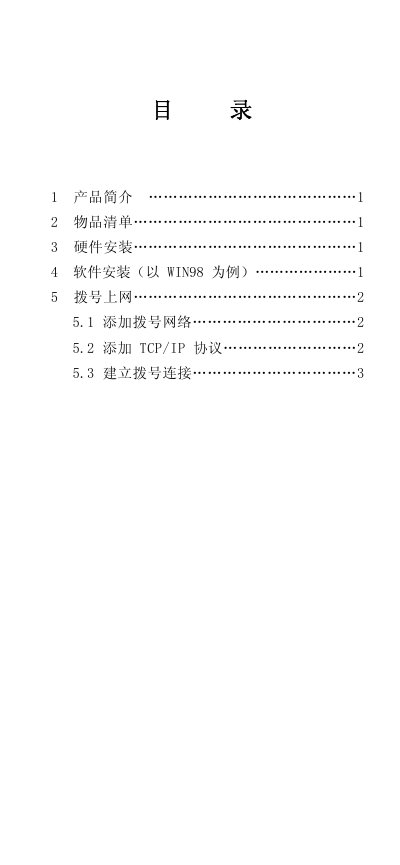
It then details hardware installation steps, software driver installation on Windows 98, how to configure a dial‑up network and TCP/IP settings, and includes warranty terms and contact information for support. This manual is written in Chinese.
| Chipset | Conexant |
|---|---|
| Supported protocol | V.92 |
| Plug‑and‑Play | Supported |
| Warranty period | 1 year from purchase |
Insert the driver CD, run TendaSetup, click the “MODEM” button, select TEM5630P and follow the prompts to install the driver.
Open Control Panel, double‑click “Add/Remove Programs”, choose the “Windows Installer” tab, then select the “Communications” component and check the “Dial‑up network” option before confirming.
The product is covered for one year from the date of purchase.