
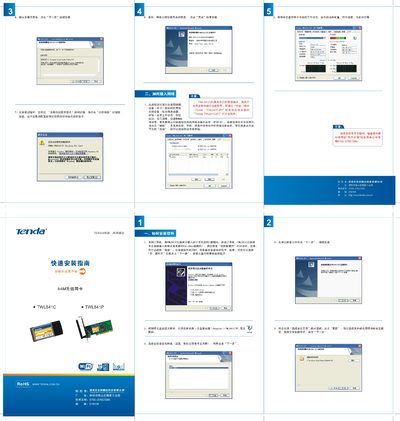
This guide walks you through installing the Tenda TL541C wireless network card, including inserting the CardBus module, running the InstallShield wizard, and selecting the installation directory. It also explains how to launch the Tenda management program to configure basic settings such as SSID, channel, and security.
After installation, the program displays the card’s status, signal strength, and connection details. You can use the site‑detection feature to scan for available networks, select an SSID, and connect with a single click. Advanced options such as automatic connection and traffic statistics are also described. This manual is written in Chinese.
| Wireless Standard | 802.11g |
|---|---|
| Maximum Data Rate | 54 Mbps |
| Channel | 6 |
| Default Gateway | 192.168.0.1 |
| Interface | CardBus |
Insert the card into the PC's CardBus slot, run the InstallShield wizard from the supplied CD, and follow the on‑screen prompts such as clicking “Next” and choosing the installation directory.